


Yes. Knit syncs Salesforce opportunities to QuickBooks as invoices automatically — contacts are matched, products are mapped, and payment status is tracked back in Salesforce without manual re-entry.


Automate your Salesforce – QuickBooks Deal to Invoice Sync
Sync Salesforce opportunities to QuickBooks as invoices automatically — contacts matched, products mapped, and payment status tracked back in Salesforce without manual re-entry.
Try:
Trusted by teams already building on Knit· 4.9/5 on G2·
 Google for Startups Accelerator
4.9/5 on G2·Google for Startups Accelerator












Automate Invoicing For Closed Won Deals
Every won opportunity in Salesforce triggers a manual invoice run in QuickBooks. Knit removes the handoff — Closed Won to sent invoice, no re-entry.
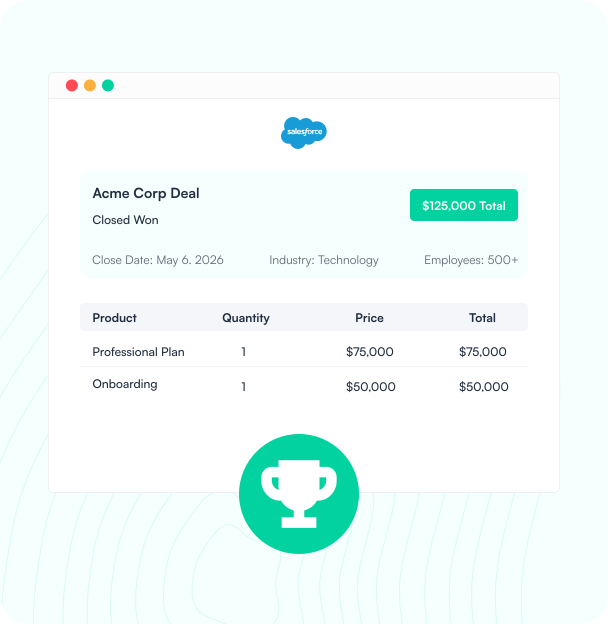
Opportunity Closed in Salesforce
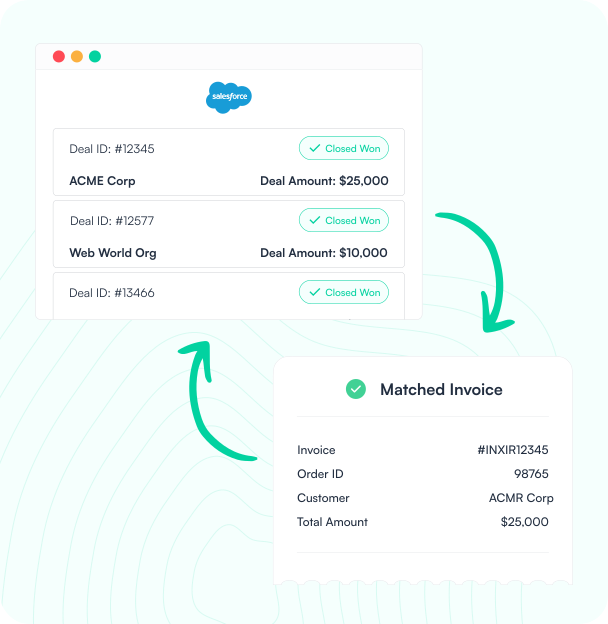
When an opportunity is marked Closed Won in Salesforce, Knit captures the deal, products, and customer details instantly.
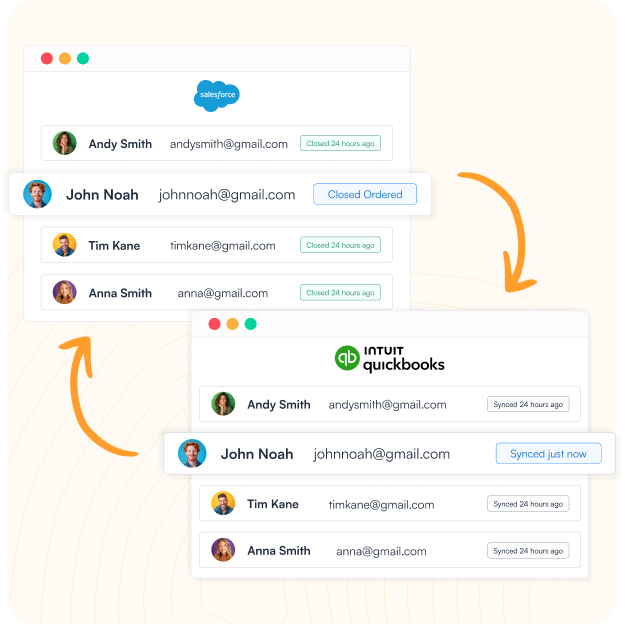
Customer Synced to QuickBooks
Knit matches or creates the customer record in QuickBooks automatically — no duplicate contacts, no manual lookup.
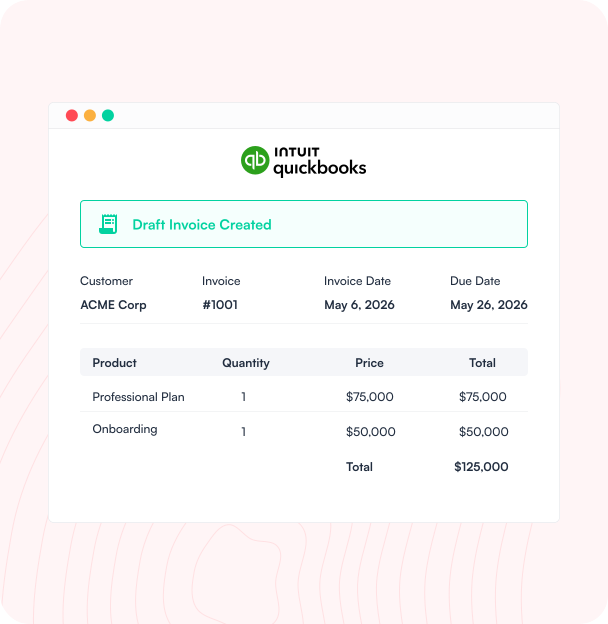
Invoice Created in QuickBooks
A draft invoice is created in QuickBooks with all line items, pricing, and terms from the Salesforce opportunity.
Payment Status Synced Back
Invoice payment status syncs back to Salesforce automatically — your reps see close-to-cash without switching tools.
Opportunities and Invoices, Perfectly Synced
Knit connects Salesforce and QuickBooks across opportunities, contacts, and invoices — so your team stops re-entering data between CRM and accounting.
Opportunity-to-Invoice Automation
Closed Won opportunities in Salesforce become QuickBooks invoices automatically — products, pricing, and customer data intact.
Contact & Customer Sync
Salesforce contacts and accounts sync to QuickBooks as customer records — always current in both systems, never duplicated.
Product & Price Book Sync
Salesforce products and price books map to QuickBooks items automatically — accurate pricing on every invoice, no manual lookup.
Invoice & Payment Visibility
QuickBooks invoice status and payment updates sync back to Salesforce — reps see billing without leaving the CRM.
How it works
Setup a Sync In Minutes
No engineers, no custom code, no manual invoice routines. Connect Salesforce and QuickBooks through Knit's no-code workflow builder in one session.

Connect Your Apps
Authorize Salesforce and QuickBooks through Knit's secure connections — no API keys to manage, no credentials stored on our servers.

Map Your Objects
Map Salesforce Opportunities, Contacts, and Products to QuickBooks Invoices, Customers, and Items using Knit's visual mapper. No code required.

Go Live
Activate the sync. Closed Won opportunities flow to QuickBooks on trigger, on a schedule, or in real time.

Knit Handles the Rest
Knit monitors every sync, alerts you to mapping gaps, and handles API changes from either app automatically.
#1 in Ease of Integrations

4.9 out of 5 stars on G2



Frequently Asked Questions
Does Salesforce integrate with QuickBooks?
How do you sync Salesforce opportunities to QuickBooks invoices?
When an opportunity is marked Closed Won in Salesforce, Knit captures the deal, products, and customer data, matches or creates the customer in QuickBooks, and creates a draft invoice with line items, pricing, and terms carried over automatically.
What data syncs between Salesforce and QuickBooks?
The most common data synced includes opportunity-to-invoice conversion, contact and account records (as QuickBooks customers), Salesforce price book and product data, and invoice payment status flowing back to Salesforce.
Can reps track invoice status without leaving Salesforce?
Yes — QuickBooks invoice status and payment updates sync back to Salesforce automatically, so reps see billing and collections without switching tools.
Related Workflows

Pipedrive Deals to QuickBooks Invoice Sync
Sync Pipedrive deals to QuickBooks as invoices automatically — contacts matched, products mapped, and payment status tracked back in Pipedrive without manual…

HubSpot – QuickBooks Deal to Invoice Sync
Sync HubSpot deals to QuickBooks as invoices automatically — contacts matched, line items mapped, and payment status tracked without manual re-entry.

HubSpot – Stripe Payment and Revenue Sync
Sync Stripe payments and subscriptions to HubSpot automatically — contacts updated, revenue visible in the CRM, and payment status tracked without manual…